

Cheshire Fire Department
Website Usability Report
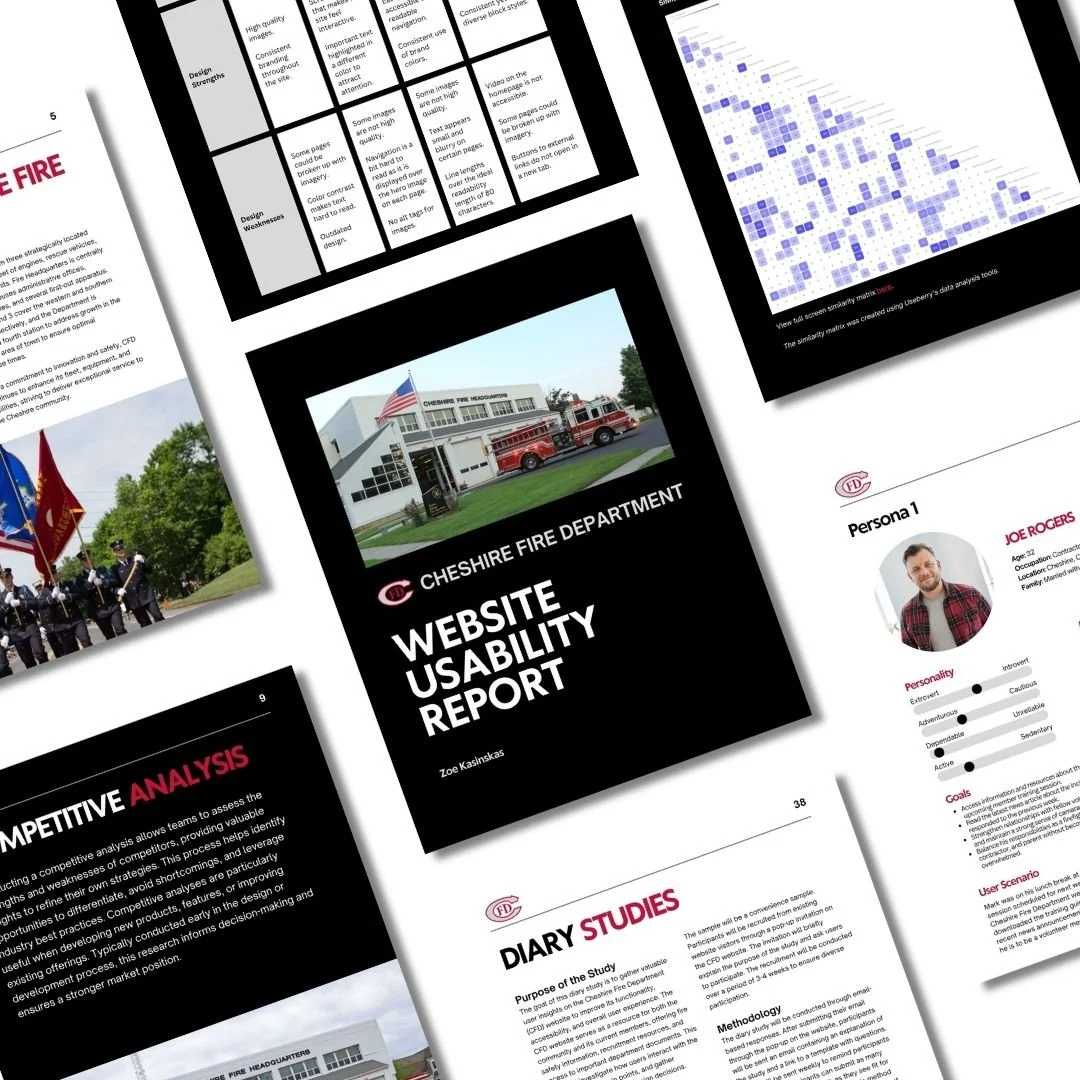
Project Overview
The Cheshire Fire Department website serves as an important resource for residents, providing access to emergency information, department updates, and volunteer opportunities.
For this project, I conducted a comprehensive usability analysis to evaluate how effectively the site supports its users and to identify opportunities for improvement. The goal was to create a clearer, more accessible experience that better serves the needs of the local community.
The Problem
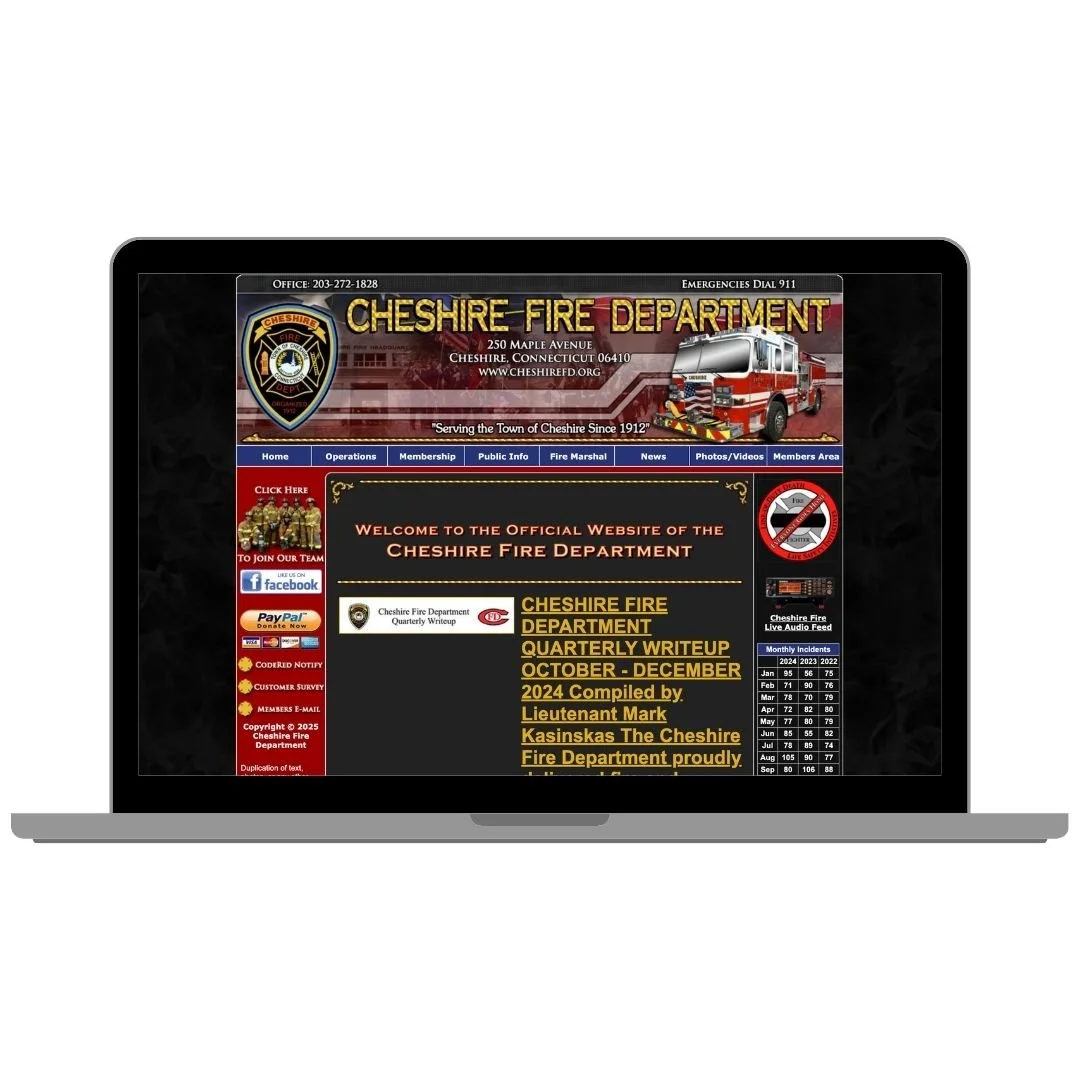
The website contains valuable information, but it is not always easy for users to find or engage with.
Key challenges include:
Navigation that is difficult to scan and overly complex
Outdated design that lacks visual hierarchy and clarity
Calls to action, such as volunteer recruitment, that are not clearly emphasized
Contact information that is not easily accessible
Content that is not structured for quick, user-friendly browsing
For a public service website, these issues create friction at critical moments — especially when users are looking for timely or important information.
The Approach
I conducted a multi-method usability evaluation to understand how different users interact with the site and where breakdowns occur.
Research Methods Included:
Competitive analysis of similar municipal and emergency service websites
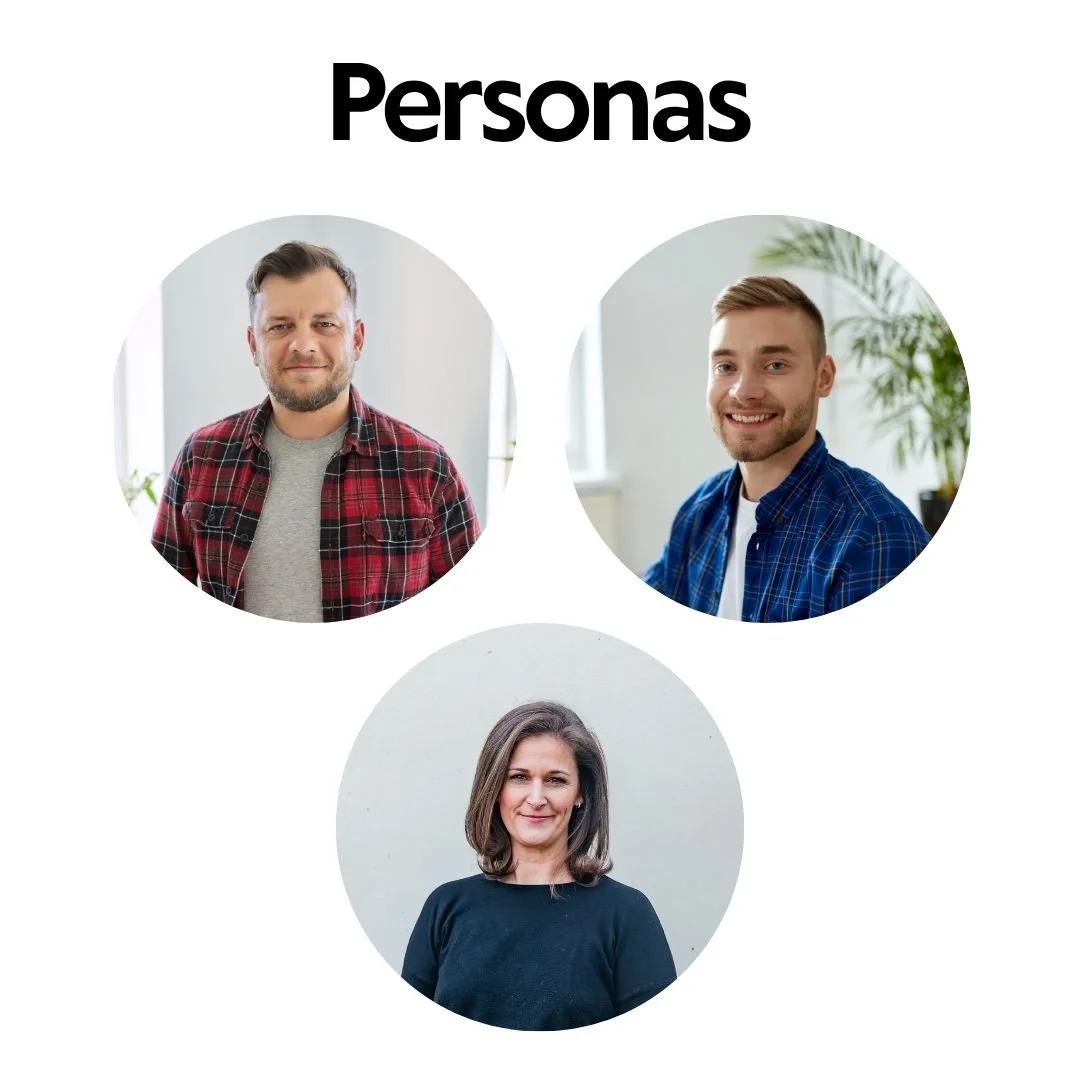
Persona development and scenario mapping to reflect key user groups
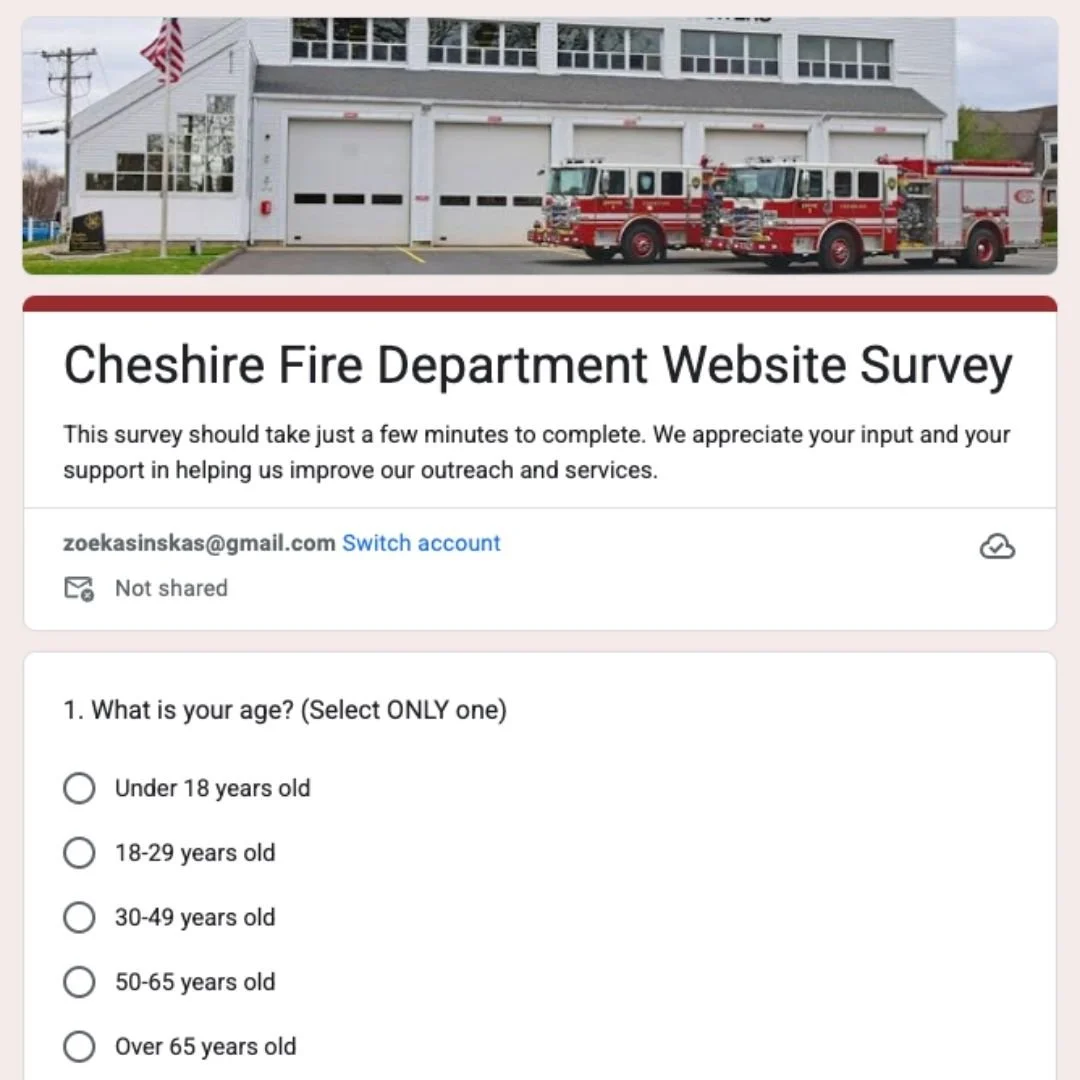
Simulated user surveys and interviews
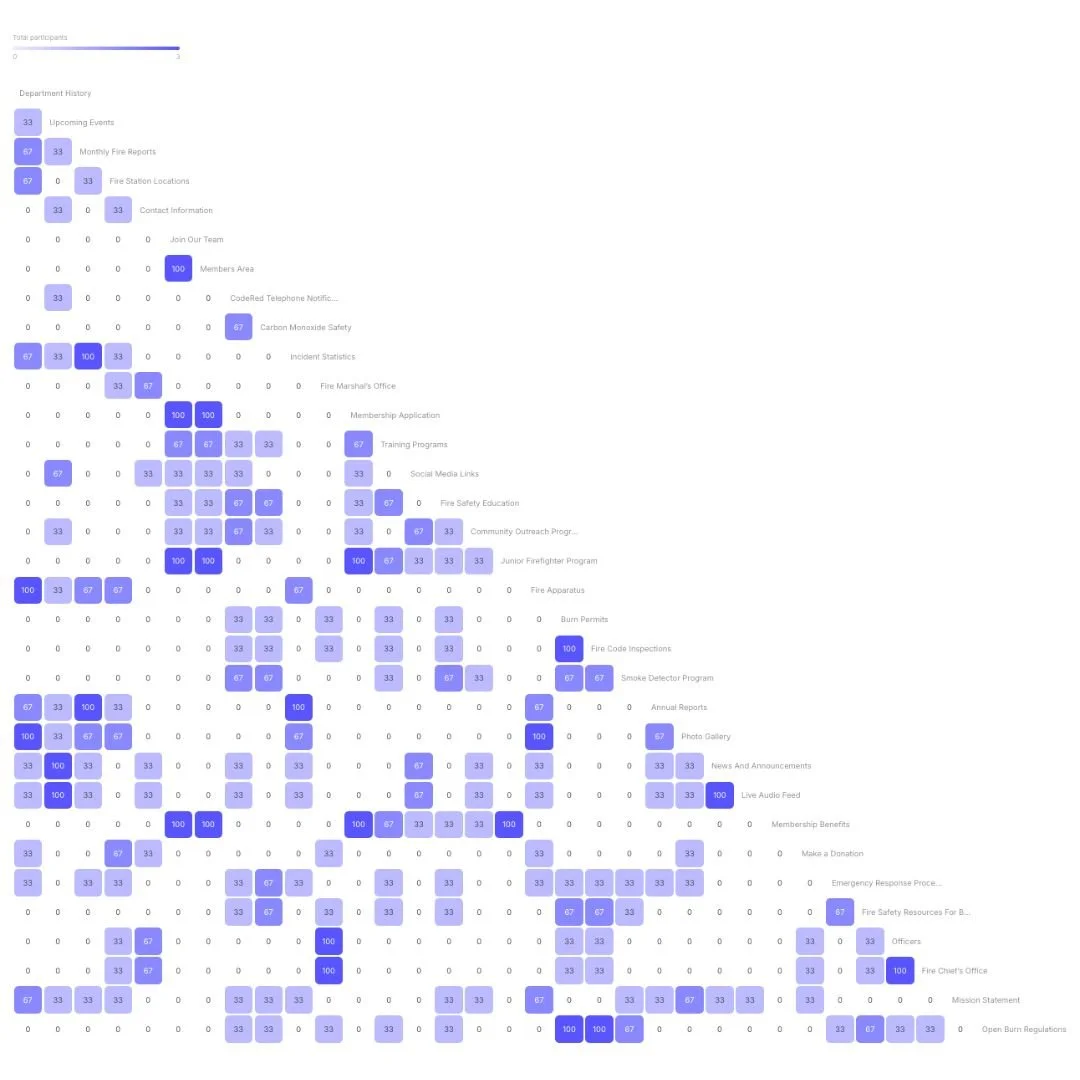
Card sorting to evaluate navigation structure
Heuristic evaluation based on usability best practices
Usability testing to observe real interaction patterns
This approach provided both qualitative and structural insights into how the site performs and where improvements would have the greatest impact.
Key Findings
Across research methods, several consistent usability issues emerged:
Cluttered Navigation: The current menu structure makes it difficult for users to quickly locate important information
Lack of Visual Hierarchy: Content is not clearly prioritized, making pages harder to scan and understand
Hidden Calls to Action: Opportunities to volunteer or take action are not prominently displayed
Buried Contact Information: Users must search through multiple pages to find basic contact details
Content Organization Gaps: Information is available, but not structured in a way that supports quick decision-making
The Solution
Based on these findings, I developed a set of recommendations to improve usability, accessibility, and overall user experience:
Simplify Navigation: Reorganize menu structure to reduce complexity and improve findability
Establish a Clear Visual Hierarchy: Use typography, spacing, and layout to guide users through content more effectively
Highlight Key Calls to Action: Make volunteer opportunities and important actions more visible and compelling
Improve Contact Accessibility: Surface contact information in consistent, easy-to-find locations
Restructure Content for Scannability: Break up information into clear sections with headings and copy
Enhance News & Updates Section: Improve organization and visibility of alerts, announcements, and community updates

Key Takeaway
This project highlights my ability to evaluate digital experiences through a user-centered lens and translate research into clear, actionable recommendations.
It also reflects my understanding of how content structure, navigation, and design work together to support usability, something especially important in this case — for websites that serve real, everyday community needs.